Forward Events and Threats to Sumo Logic.
Forwarding Events to Sumo Logic
Requirements
- Access to the Keep Aware Console: Ensure you have valid login credentials and are logged in to the console.
- Permissions to add Custom Collector Sources to your Sumo Logic Workspace: Confirm that you have the necessary permissions to add new Custom Collector Sources in your Sumo Logic environment.
Setup a Sumo Logic Hosted Collector URL
First you will need to setup a Sumo Logic Hosted Collector URL or you can use one you have already created.
For information regarding setting up Sumo Logic Hosted Collector URL refer to their documentation below.
Configure a Hosted Collector and Source
Generate a New URL for an HTTP Source
Setting up Sumo Logic in Keep Aware
To get started, navigate to the Integrations Page and select the Sumo Logic integration. This will open a modal where you can select Create New Integration and begin configuring the integration.
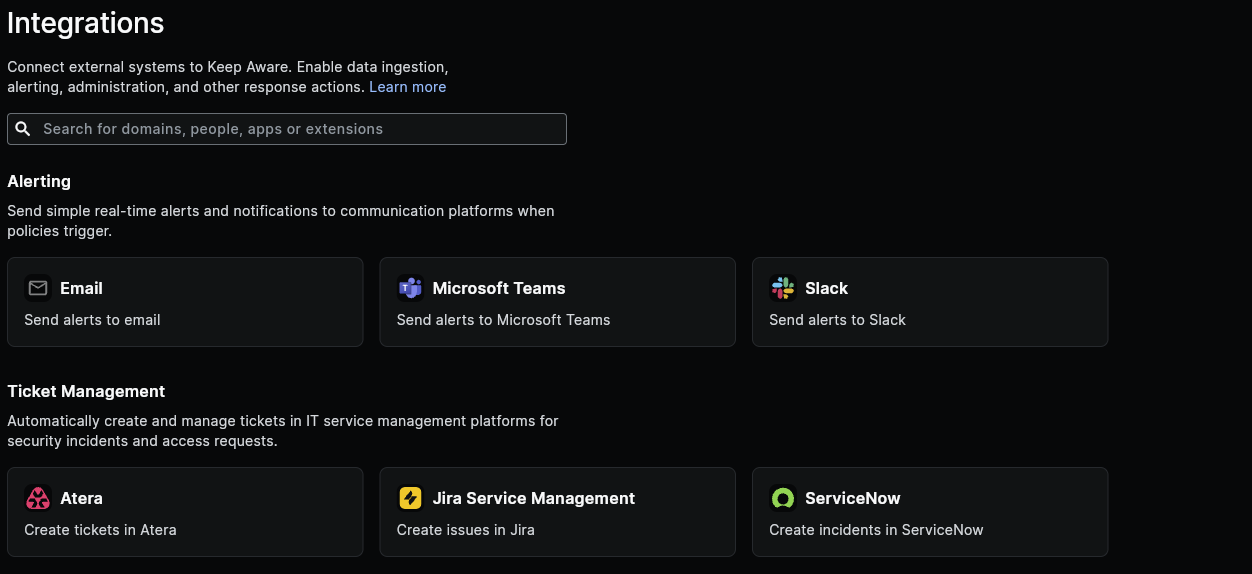 Image: Integrations Page
Here we will configure each of the fields below:
- Identifier: A unique name for your Sumo Logic Integration.
- Sumo Logic Hosted Collector: Your Sumo Logic Hosted Collector URL.
- Body: This is the JSON body that will be sent to Sumo Logic. See below for information on customizing the event body.
After you save the integration, that will complete the basic setup for getting Sumo Logic connected to Keep Aware.
Continue below for how to customize the body that is sent to Sumo Logic..
Frequently Asked Questions
| Question | Answer |
|---|---|
| How can I find out what message formatting options are available in Sumo Logic? | Sumo Logic will accept any data format as long as it is JSON compliant, feel free to use |
| How can I find out what Event and Threat fields can be forwarded to Sumo Logic? | All available Threat and Even fields are described and documented in the Event and Threat Fields Documentation. |