AWS S3
Forwarding Events to Amazon S3
Keep Aware can forward any policy, event, or threat as JSON data to your organization's Amazon S3 Bucket. This guide explains how to set up ingestion from Keep Aware into AWS S3.
Requirements
- Access to the Keep Aware Console: Ensure you have valid login credentials and are logged in to the console.
- AWS S3 Access Keys: Valid Access ID and Secret Keys with permissions to write to an AWS S3 Bucket.
Getting Started
Setting up the Keep Aware integration with AWS S3 requires creating an S3 bucket and configuring the S3 Bucket with Keep Aware.
Create an Amazon S3 Bucket
First, you will need to setup an AWS S3 bucket or you can use an existing bucket. For information on creating an S3 Bucket, refer to the Amazon documentation:
Getting Started with Amazon S3
Setting up Amazon S3 in Keep Aware
Navigate to the Integrations Page and select the AWS S3 Logs integration. This will open a modal where you can select Create New Integration and begin configuring the integration.
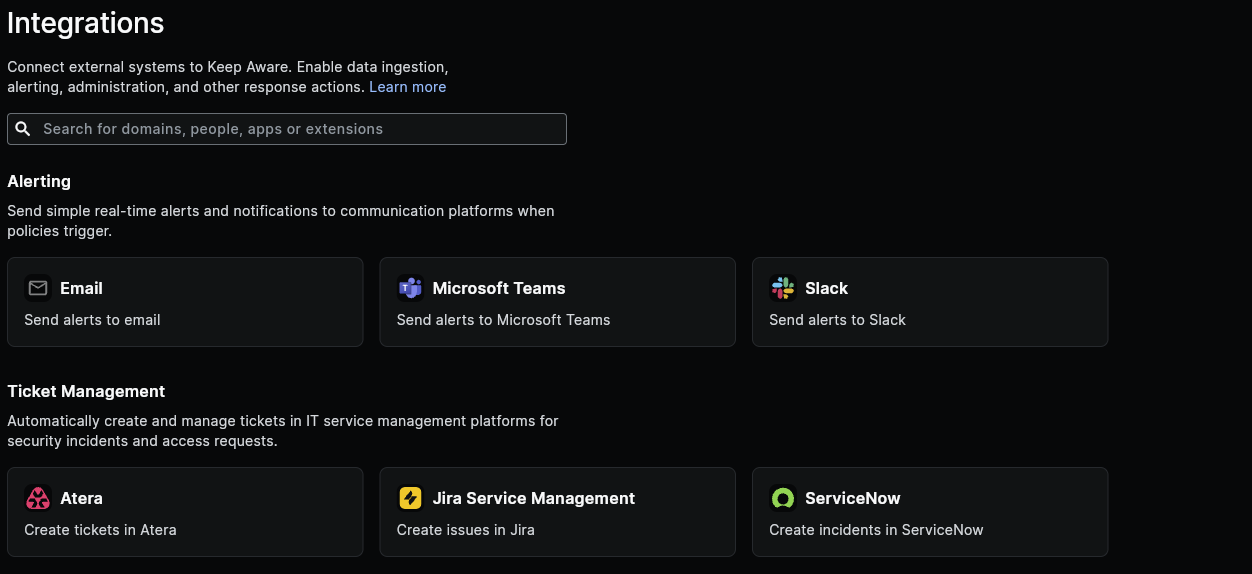 Image: Integrations Page
Configure the following fields:
- Access Key: Your AWS Access Key ID.
- Secret Key: Your AWS Secret Access Key.
- Bucket Name: The name of the S3 Bucket.
- Identifier: Multiple S3 integrations can be configured on one account, so choose an identifier that distinguishes this integration from others.
After you save the integration, that will complete the basic setup for getting AWS S3 connected to Keep Aware.
While other integrations allow you to select what data is sent over and in what format, the AWS S3 Integration forwards the entire threat or event object with the expectation that any data processing or analysis will be done by a downstream system that is ingesting this data. It is for this reason that the data is in JSON format that can be easily consumed by other tools and services.
Frequently Asked Questions
| Question | Answer |
|---|---|
| How can I find out what Event and Threat fields are sent to S3? | All available Threat and Event fields are included when the payload is sent. For more information, all Event and Threat fields are described and documented in the Event and Threat Fields Documentation |