Managing Console Users
What are Console Users?
Console Users are team members who need access to the Keep Aware console to manage policies, investigate threats, or perform administrative tasks. Unlike end-users who have Keep Aware installed on their browsers, Console Users have direct access to the management interface.
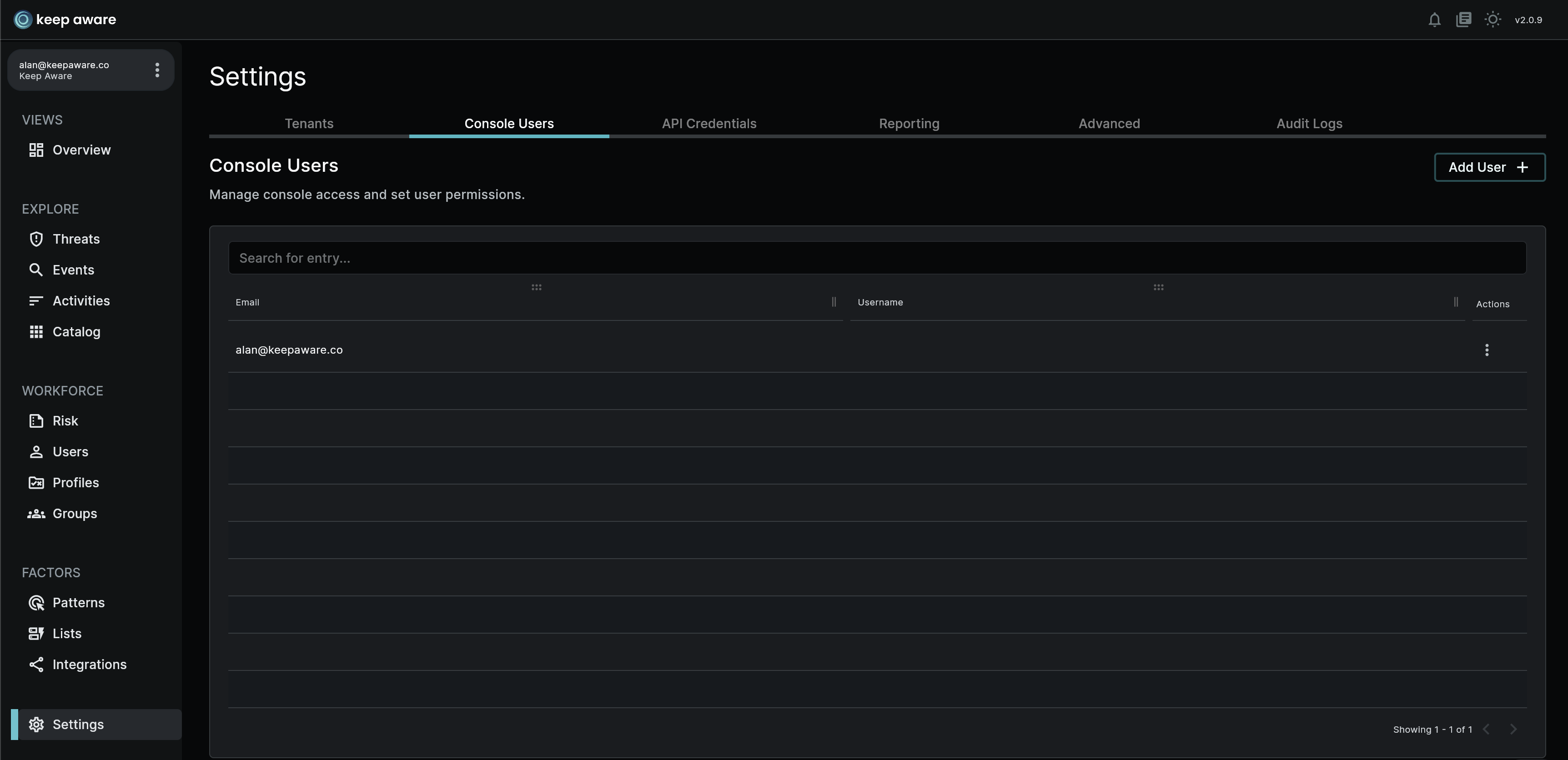
Adding Console Users
To add new console users:
- Navigate to Settings > Access > Console users
- Click "Add User"
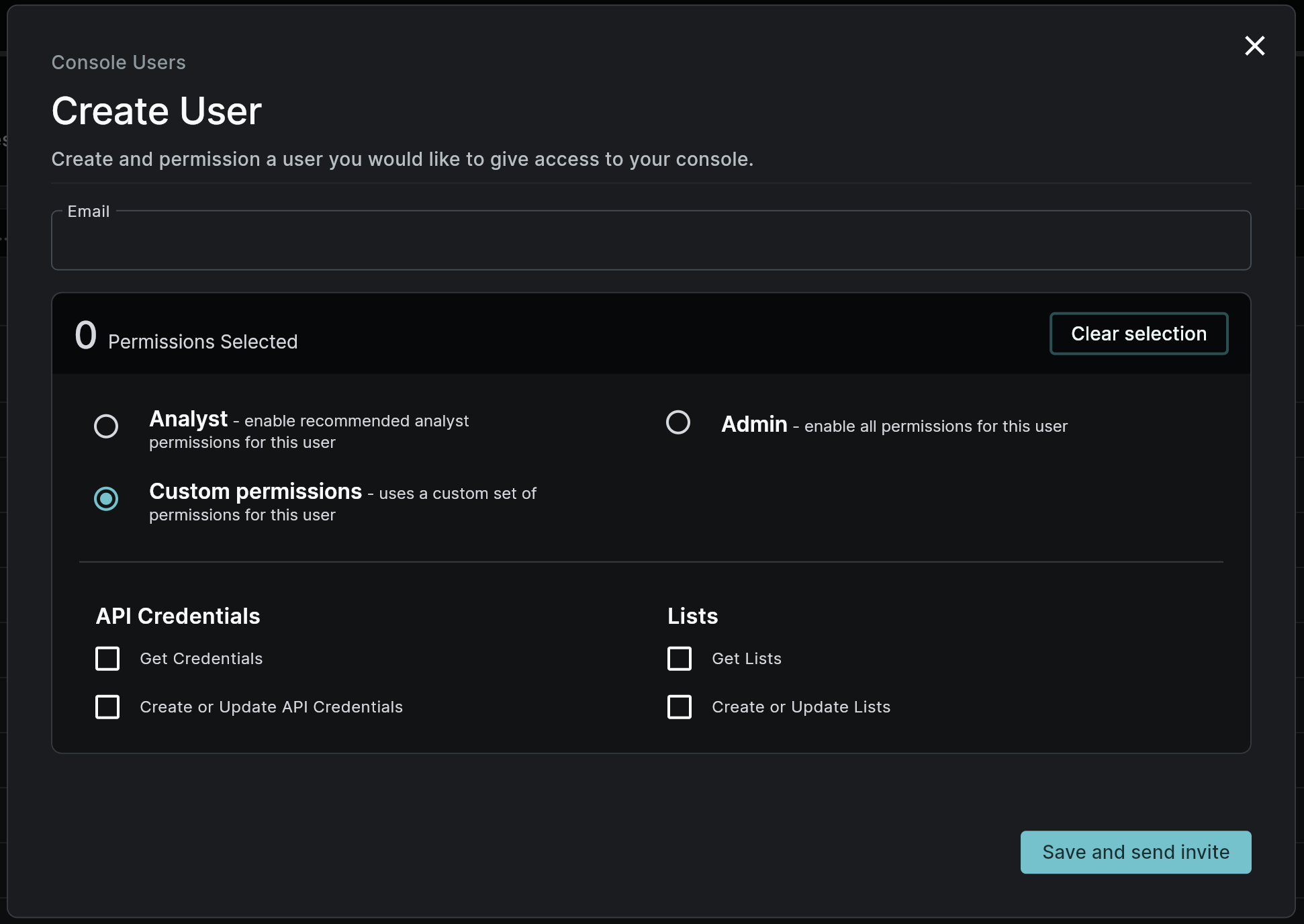
- Enter the team member's email address
- Set appropriate permissions
- Send the invitation
The invited user will receive an email with:
- A secure invitation link (valid for 7 days)
- Instructions for account setup
Managing Invitations
If an invitation expires or the setup process is interrupted, you can:
- View the user's enrollment status
- Generate a new invitation link
- Copy the link for manual distribution
- Monitor security status (MFA setup, account locks)
Permission Levels
Console Users can be assigned different permission levels to control their access:
- Admin: Full access to all console features
- Analyst: Read-only access to console data
- Custom: Tailored permissions for specific needs
For detailed information about each permission level, see Console User Permissions.
Security Considerations
- All Console Users must set up Multi-Factor Authentication (MFA)
- Invitation links expire after 7 days
- Failed authentication attempts may trigger account locks
- Permission changes take effect immediately
Managing Console Users
---