Managing API Credentials
Keep Aware uses a granular permissions system for API access, allowing for precise control over what actions can be performed via the API.
Getting Started
To manage API Credentials, select the Settings option in the side bar menu on the left side of your console and click on the API credentials tab under the Integration group.
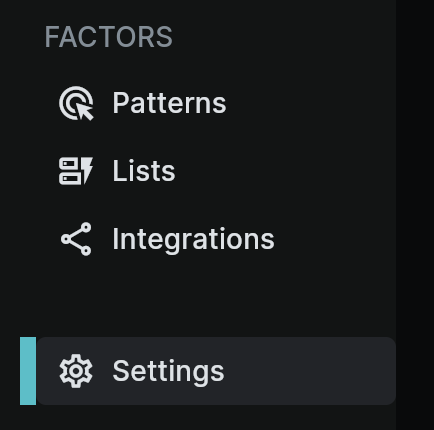
Creating API Credentials and Assigning Permissions
To get started, you can select Edit for existing credentials or select Add Credentials and then select Edit to modify the permissions. Each permission is tied to a specifc endpoint for the API, and each selected permission will allow access to that endpoint.
After selecting the permissions for the credentials, click Save to update the credentials.
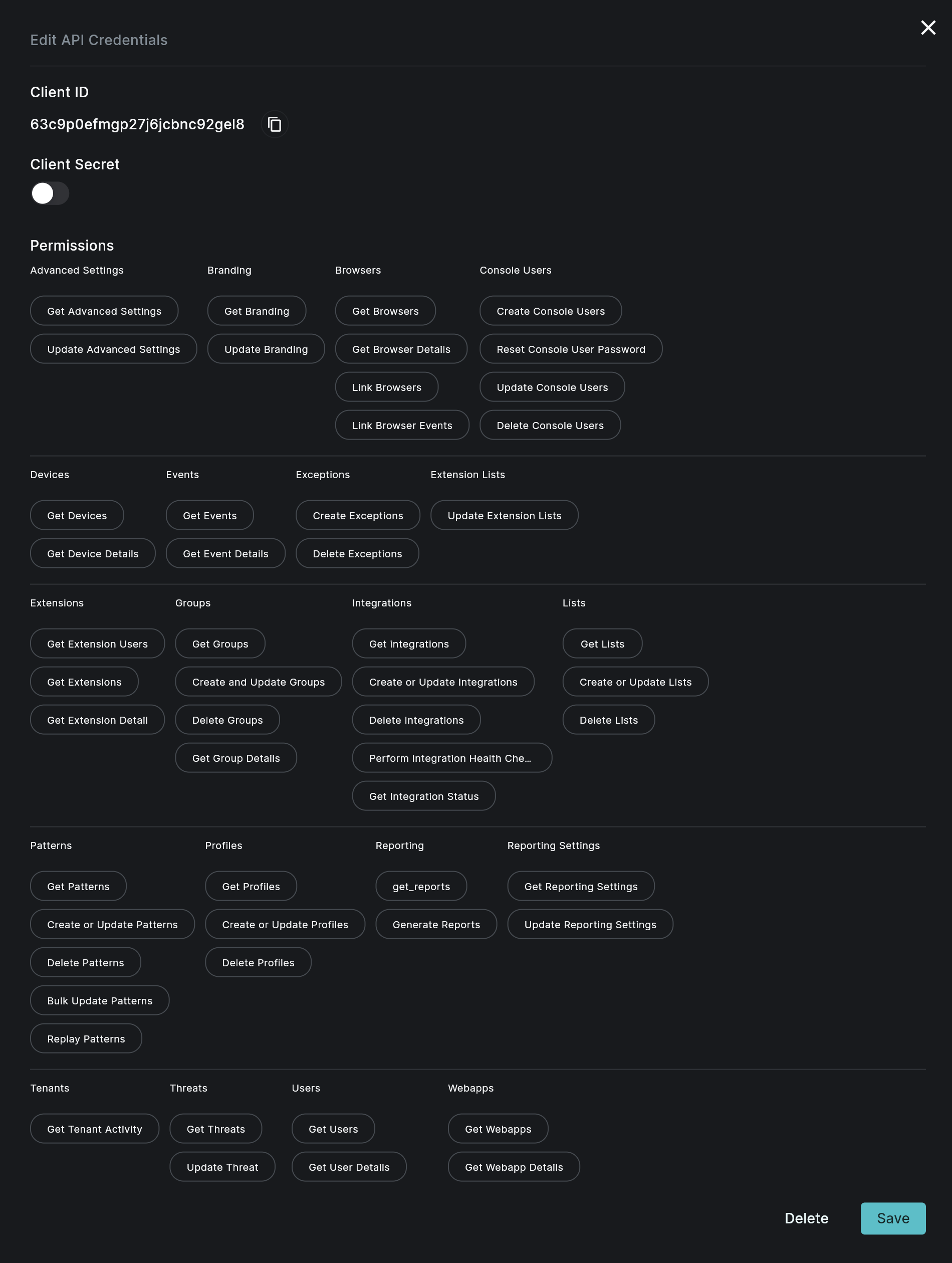 Image: API Credentials Modal
Permissions Reference
A detailed list of all the available API permissions with their name, description, and impact can be found in the API Permissions Reference.
Best Practices
- Follow the principle of least privilege: Only grant the permissions necessary for the intended use.
- Regularly review and audit assigned permissions.
- Rotate API credentials and update permissions as roles and responsibilities change.
- Use different API Credentials for different integrations or purposes.
Frequently Asked Questions
| Question | Answer |
|---|---|
| Can I change permissions for existing API Credentials? | Yes, you can update API Credentials permissions at any time. |
| How often should I review permissions? | It's recommended to review permissions quarterly or whenever there are significant changes in your organization. |
| Can a user have both API and console permissions? | Yes, a user can have separate permissions for API access and console access. |